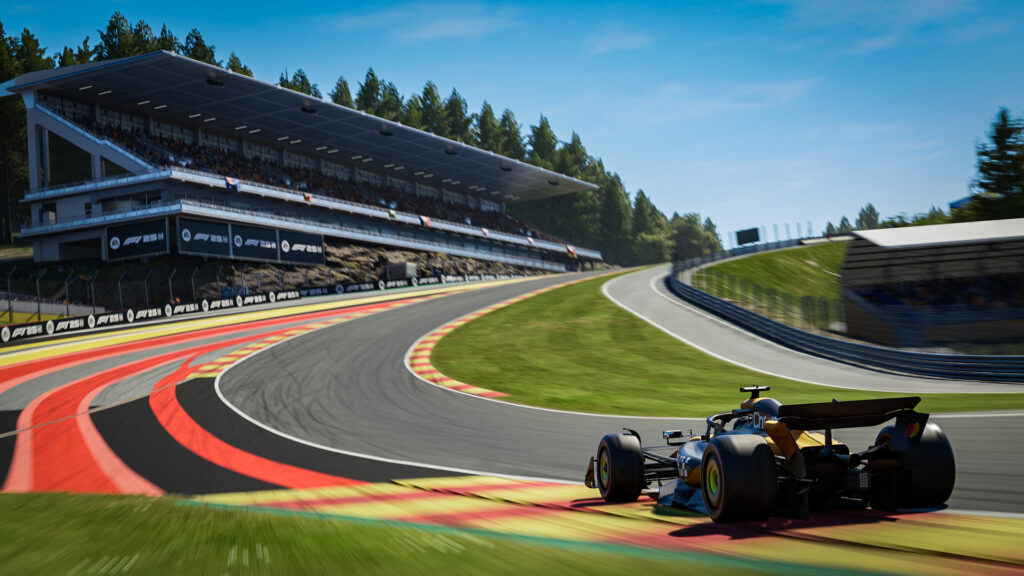

The Fastest
Free setups for every track on the 2025 calendar. Optimized for races, qualifying and time trial on Xbox, PlayStation and PC.
All Track Setups
Setup tips, race strategy and track intel for all 24 F1 circuits. Ordered by the 2025 race calendar.























The Best F1 25 Setups for Races, Qualifying & Time Trial
Our goal is to provide the fastest F1 25 car setups available. These free setups provide race and time trial configurations for every track in this year's game, including the new reverse layouts.
We've designed our setups to be ideal for the majority of sim racers. They are stable, easy to drive consistently and faster than the preset setups. Combined with Pit Wall's telemetry tools, you can fine-tune every detail to match your driving style.
Free setups for every sim racer
Our recommended setups are suitable for sim racers of any skill level. Stable, easy to drive consistently and faster than the preset setups.
Xbox, PS5 and PC compatible
All setups work on any platform. Directly compatible with PC, Xbox and PlayStation. No mods or extra tools needed.
Updated throughout the year
EA Sports tweaks the handling throughout the year. Our setups are updated after every big patch to ensure they remain competitive.
Your Podium. Powered by Data.
Professional-grade telemetry for F1 23, F1 24 & F1 25. Capture real-time UDP data from Xbox, PlayStation and PC.
What is Pit Wall?
Professional-grade telemetry suite for console and PC racers. Live dashboards, lap analysis, setup guides and AI-powered insights. No complicated bridges required.
Learn MoreStart Racing with Data
- Live Race Dashboard with tire & ERS intel
- Telemetry overlay - compare up to 10 laps
- Track intel database for all 24 circuits
- Auto-save setup & degradation data
- Works on Xbox, PlayStation & PC
More Than Just Setups
Pit Wall gives you the full engineering toolkit to dominate every session.
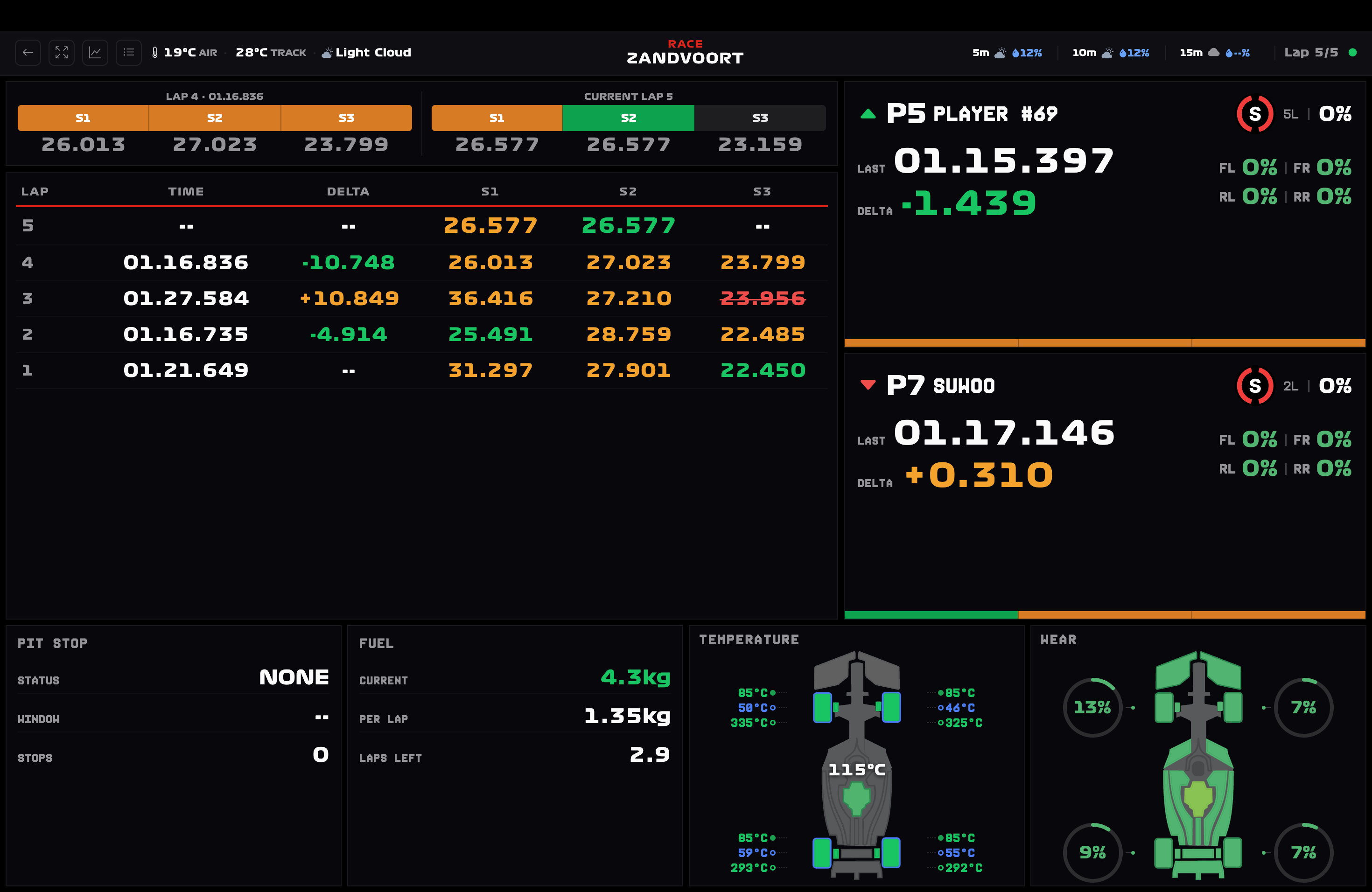
Live Race Dashboard
X-Ray rival intel showing tire wear % and ERS % of drivers around you. Know when they are vulnerable.
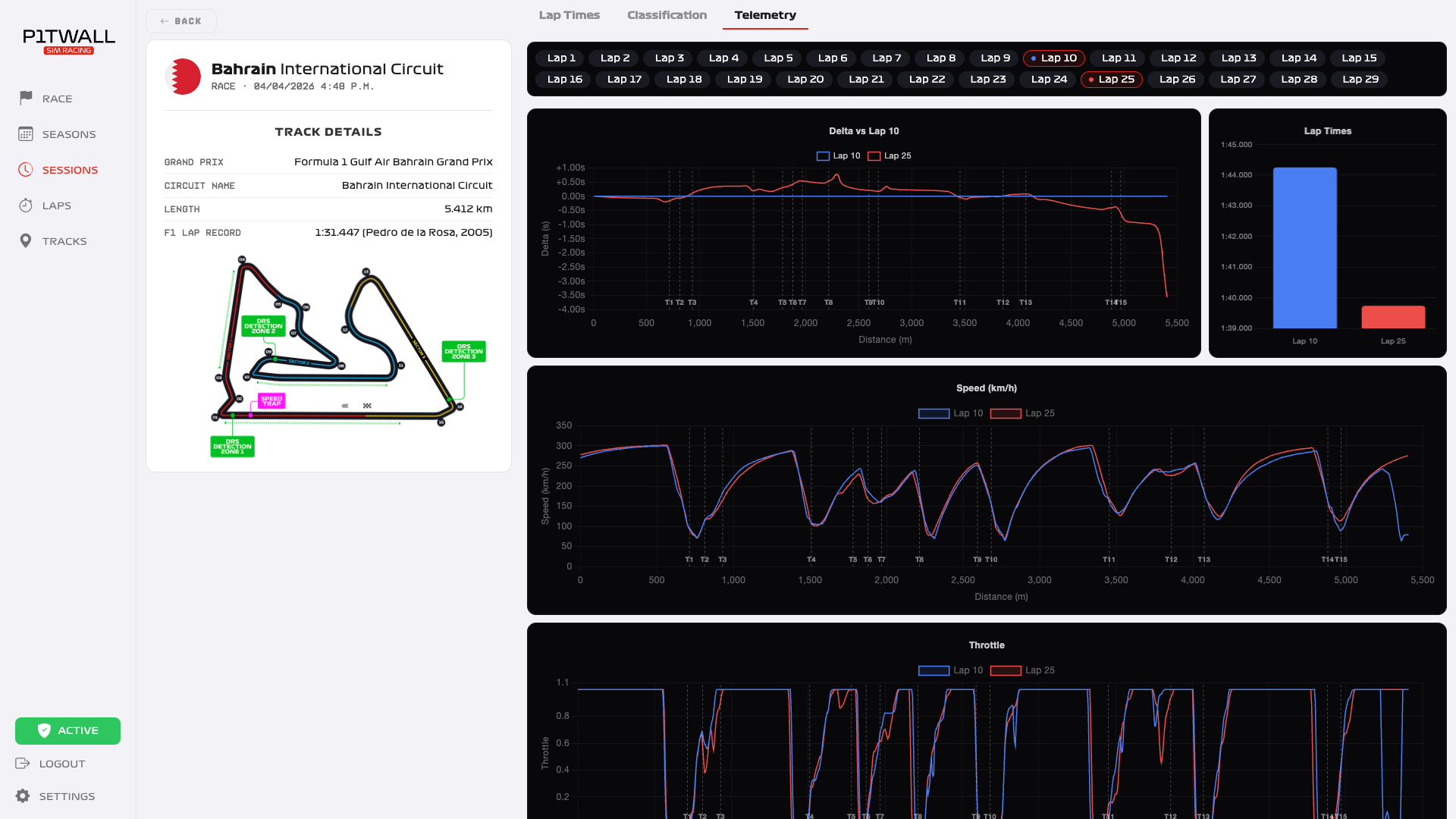
Telemetry Overlay
Superimpose up to 10 laps to find your missing tenths with precise speed and delta curves.
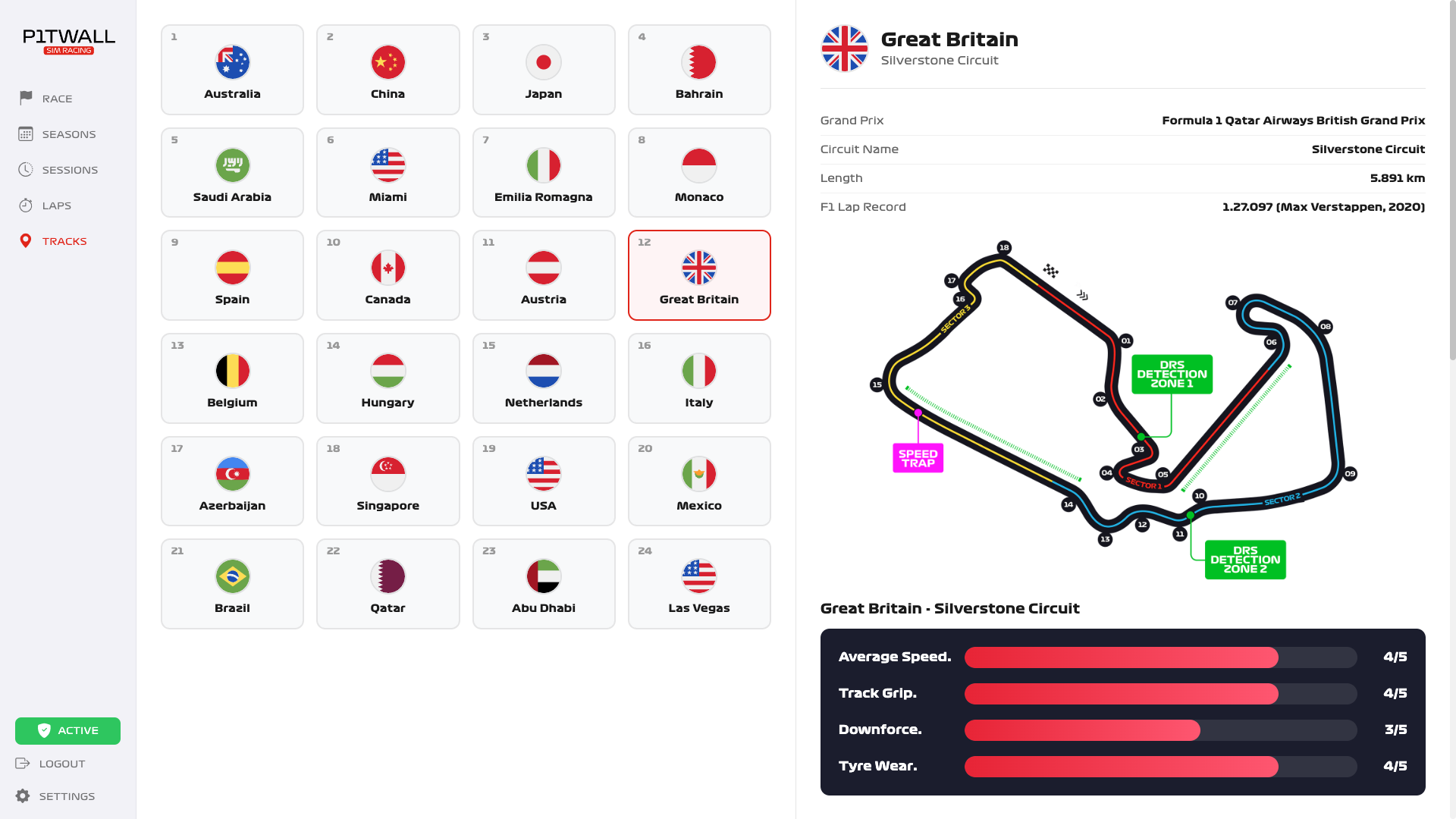
Track Intel Database
Built-in encyclopedia for all 24 tracks with baseline setup tips and pit stop strategy.
Session Insights
Complete overview of your session progress, lap history and consistency analysis.
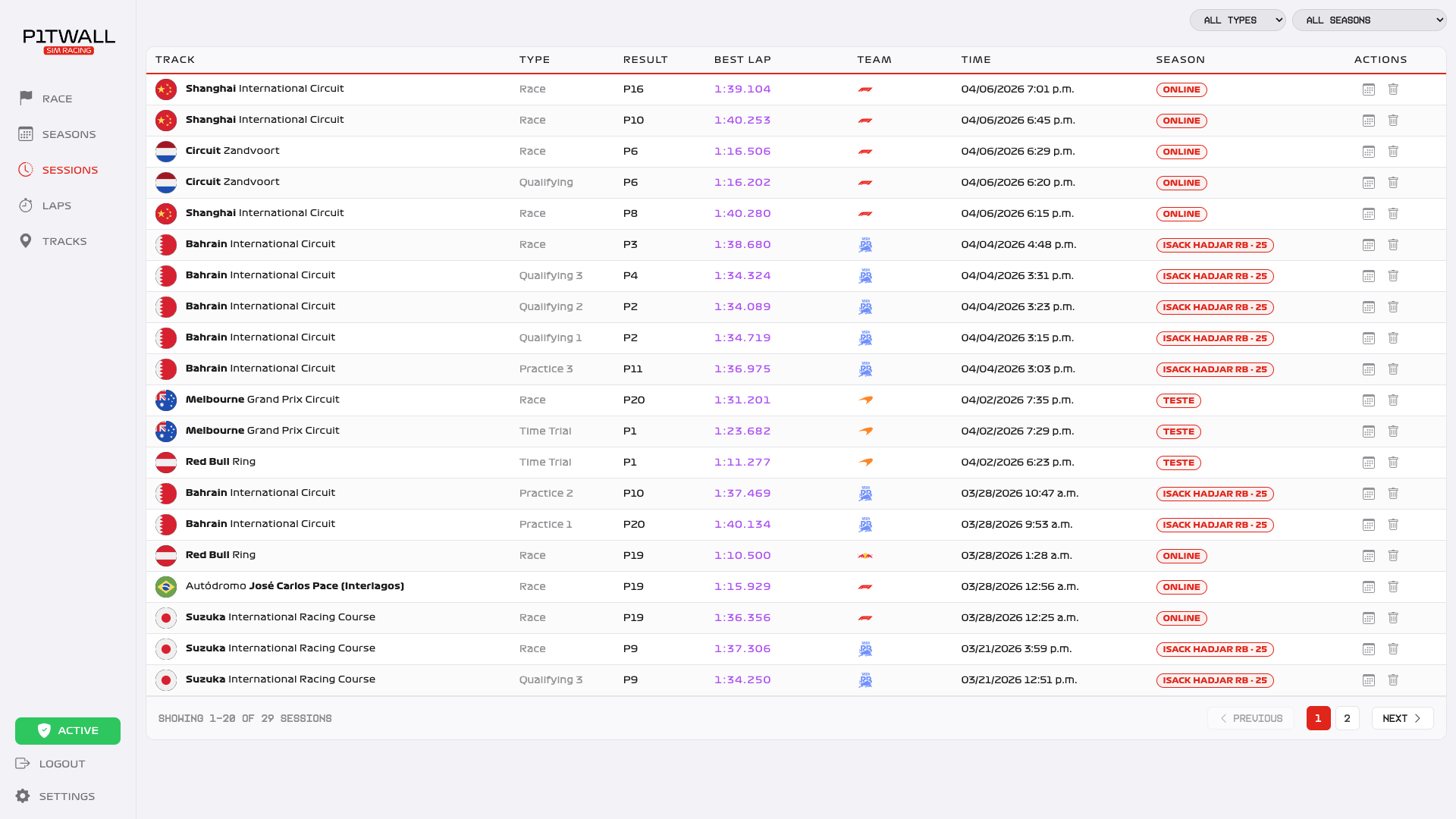
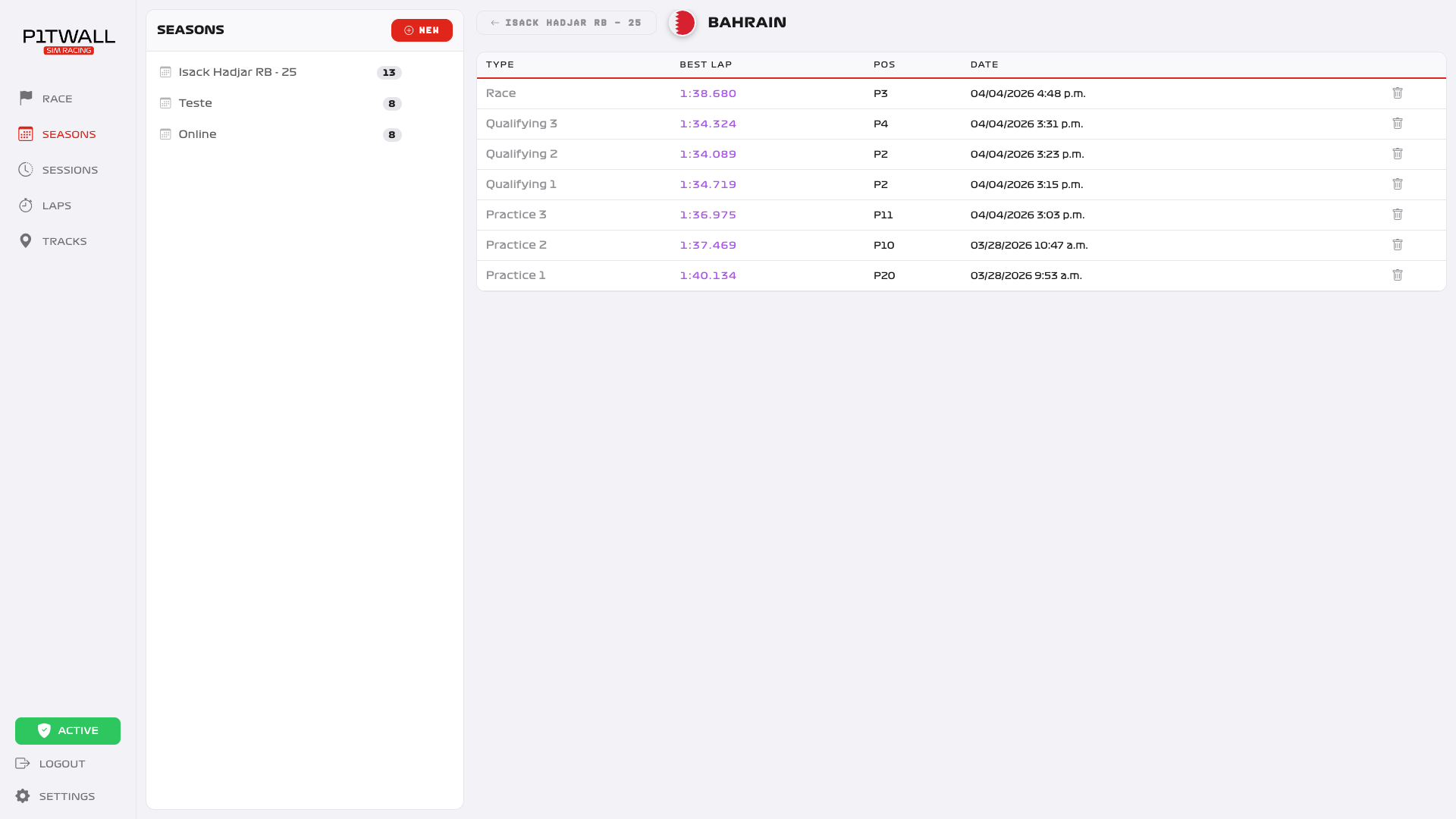
Season History
Store every race, every lap. Build your legacy across multiple seasons.
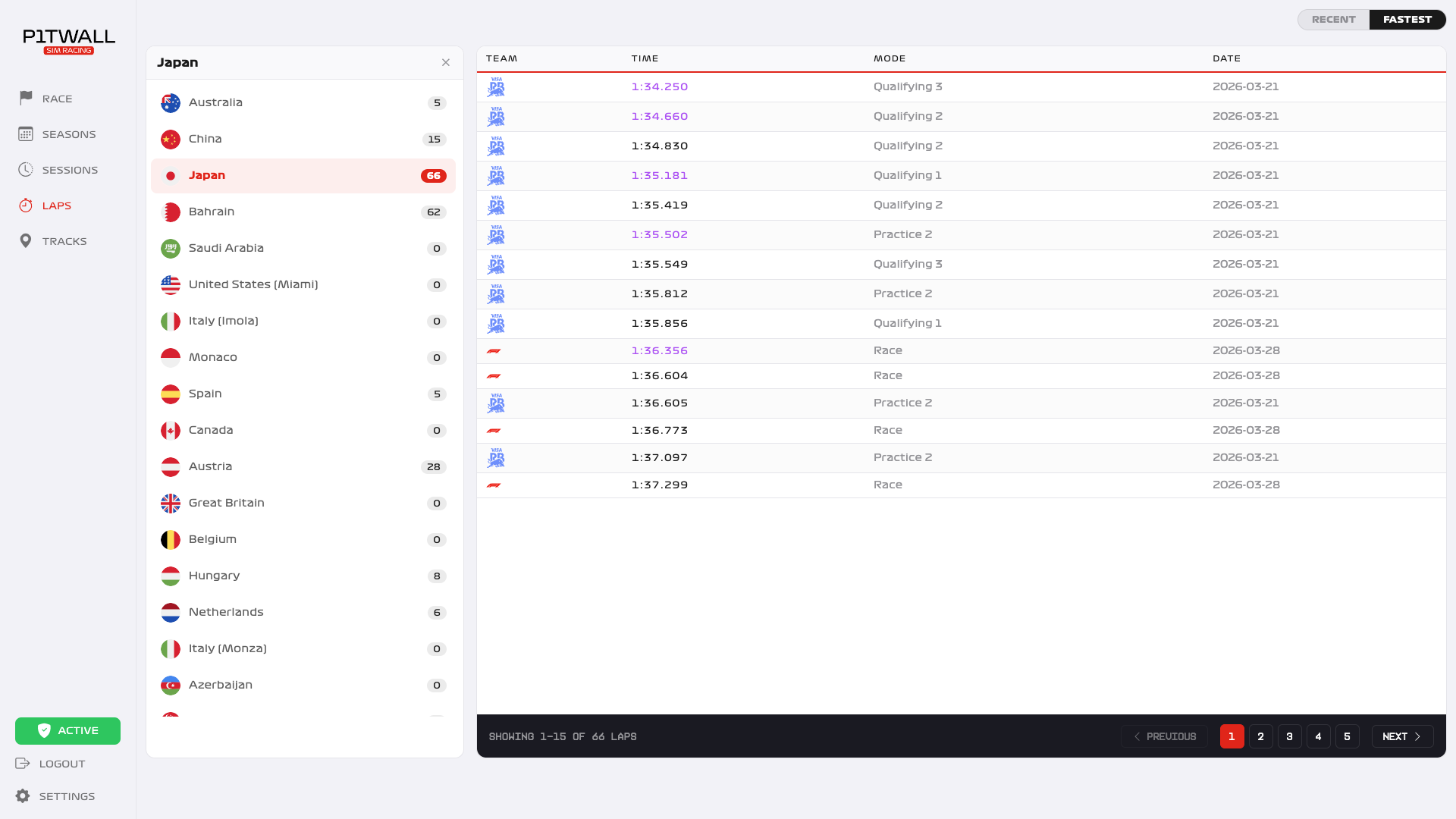
Engineer's Notebook
Every lap auto-saves your car setup and tire degradation data for future reference.
Race-Ready in 5 Minutes
No PC cable hacking, no router scripts. Pure native console UDP integration.
Download & Install
Get the Pit Wall app on your computer (Mac or Windows) connected to the same WiFi network.
Enable UDP on Console
In F1 25 on your Xbox or PS, go to Telemetry Settings. Turn UDP ON and enter the IP address.
Start Racing
Jump to the track. Pit Wall automatically detects the session and records everything.